SSHEN

Incorrect password.

000%

INITIALIZING

SSHEN ← PRODUCT DESIGN WORK

TIN SURFACES REDESIGN

  1. 00OVERVIEW
  2. 01IMPACT
  3. 02PROBLEM
  4. 03RESEARCH
  5. 04PRINCIPLES
  6. 05PROCESS
  7. 06VALIDATION
  8. 07LAUNCH
  9. 08TAKEAWAYS

0% READ

TIN Surfaces Redesign

Redesigning an engineering-built TIN tool so surveyors get it right the first time.

ROLE
Product designer, UX overhaul
TIMELINE
Aug 2026
TEAM
1 PM, 1 designer, 2 engineers
PLATFORM
Web app
TOOLS
Cursor

IMPACT

The redesign keeps surveyors building surfaces in Mach9. Longer dwell time, full workflow lock-in.

0

WEEKS TO REDESIGN

0%

TIN COMPLETION RATE

0s

MEDIAN TIME TO FIRST SURFACE

0%

ACTIVE USERS WHO START A TIN

PROBLEM

The TIN tool worked, but it lacked learnability and discoverability and broke the app’s mental model.
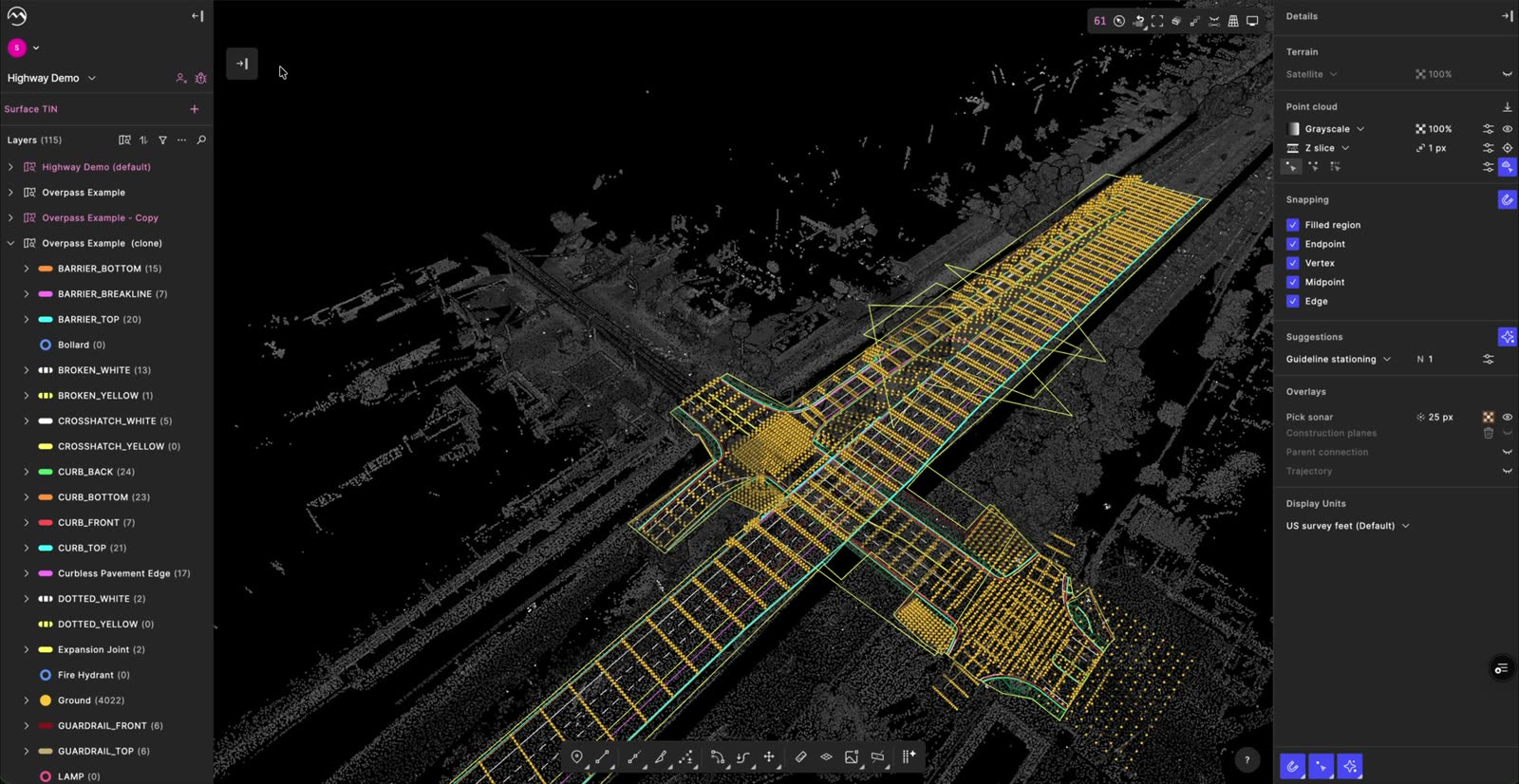
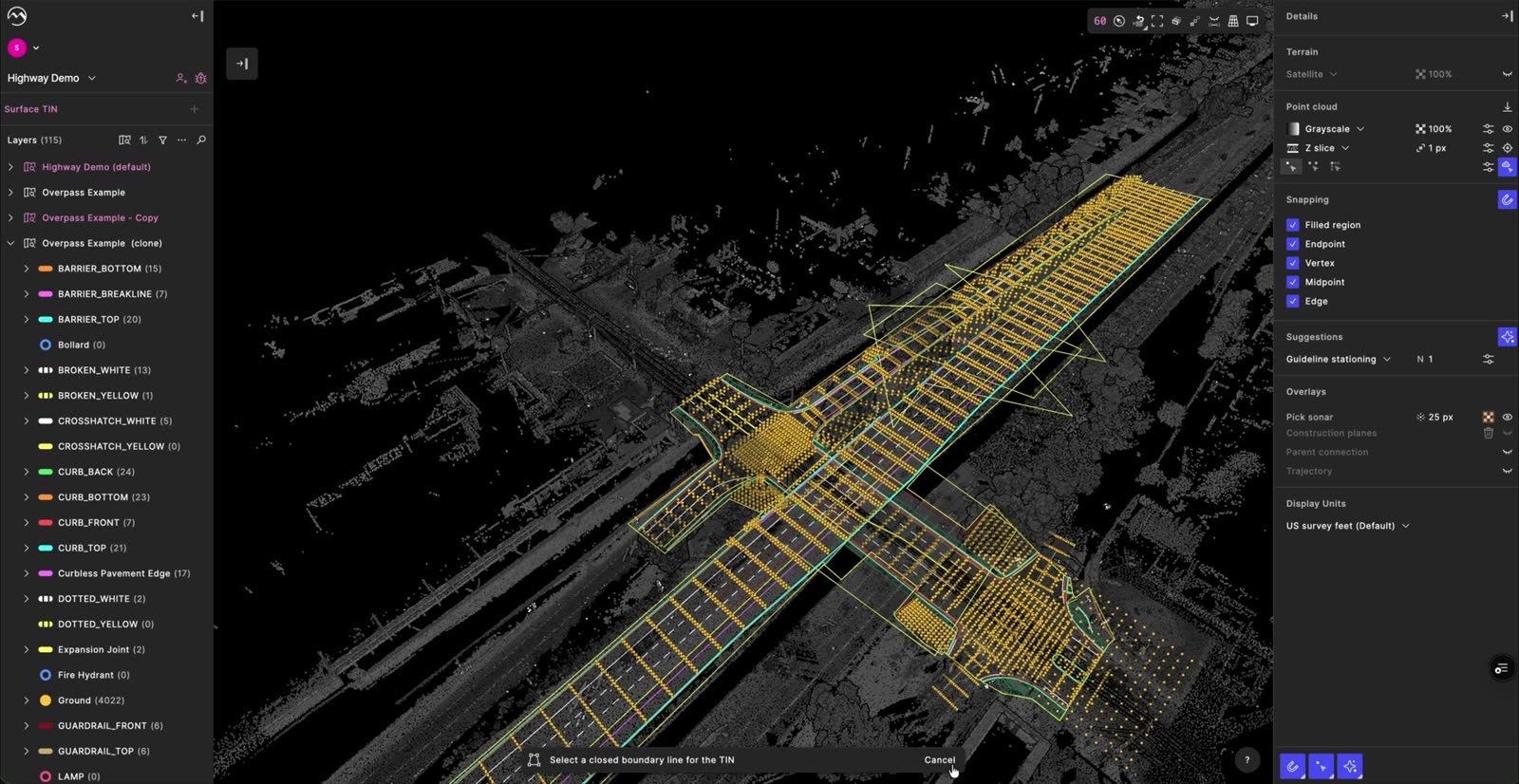
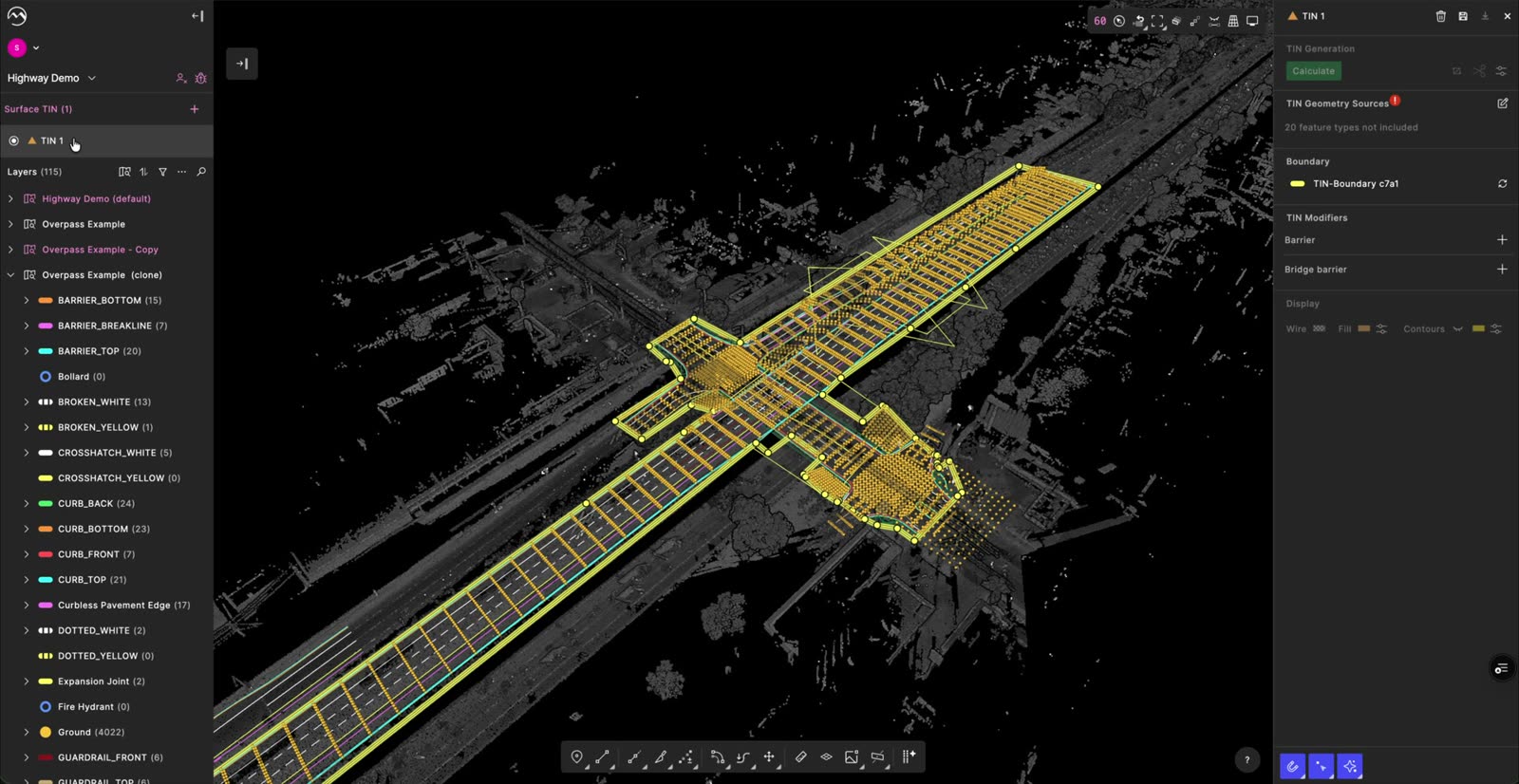
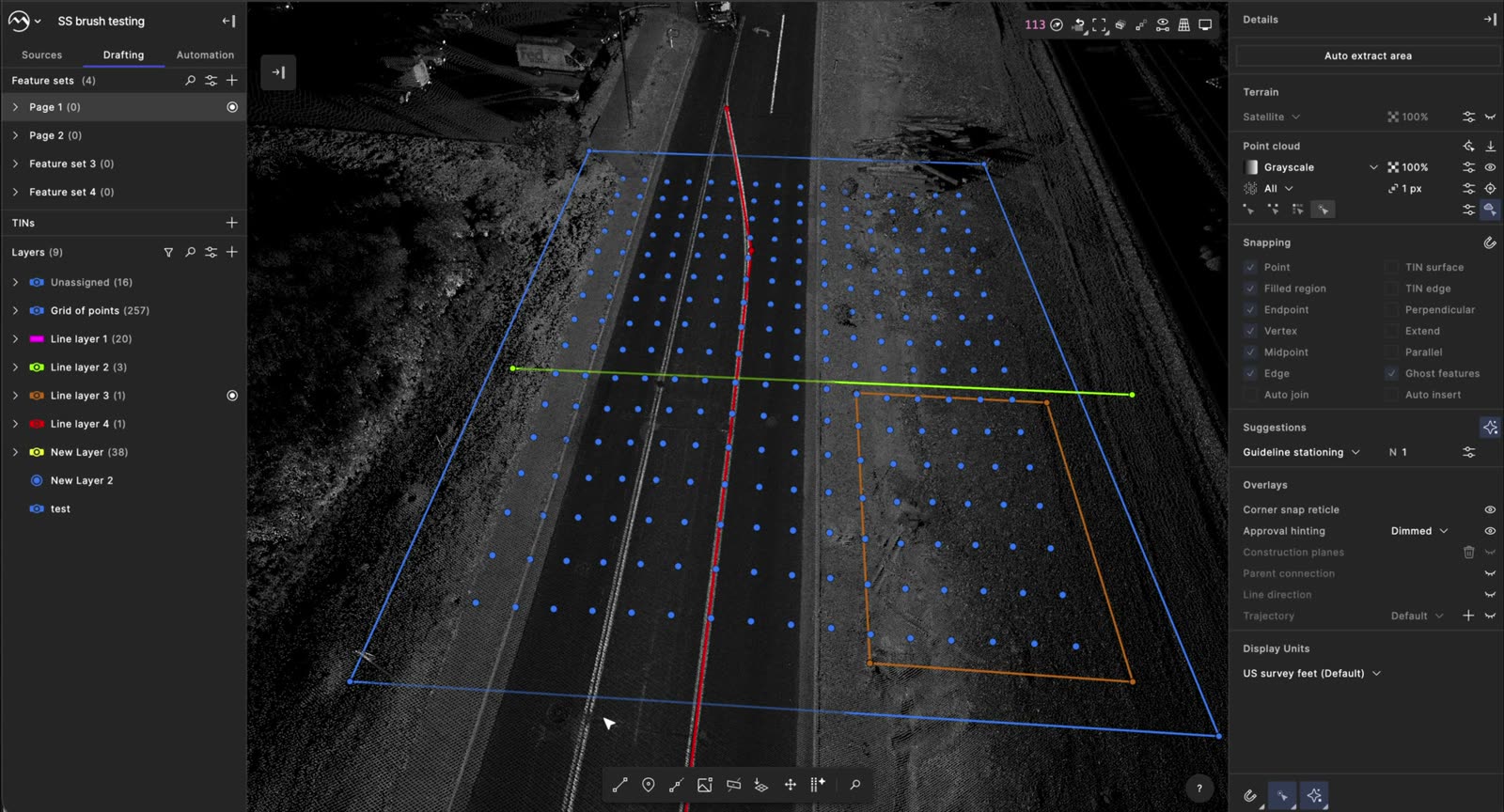
  1. Surface TIN list with the add button
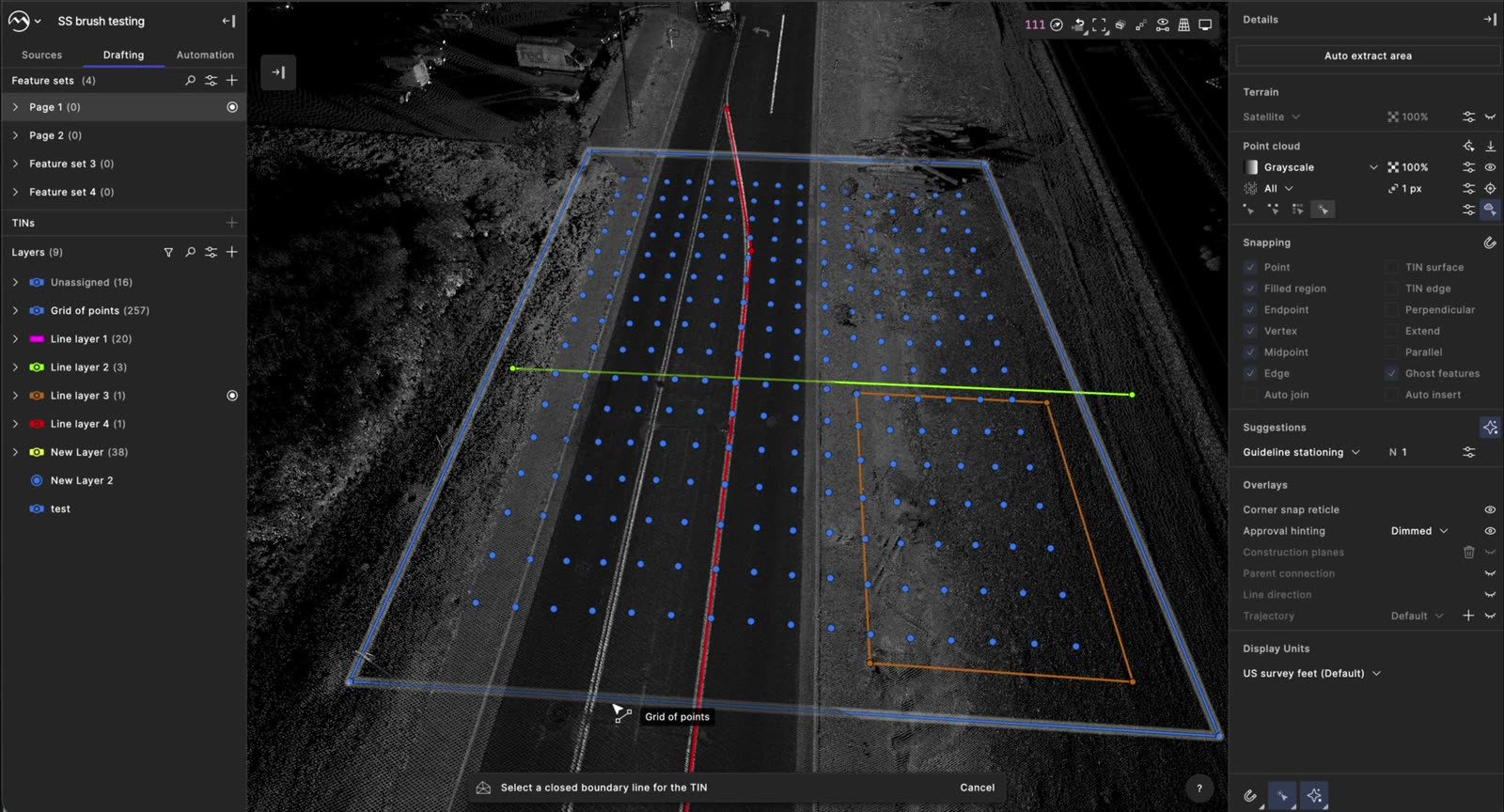
  2. Command bar asking for a closed boundary line
  3. TIN panel with a warning on geometry sources
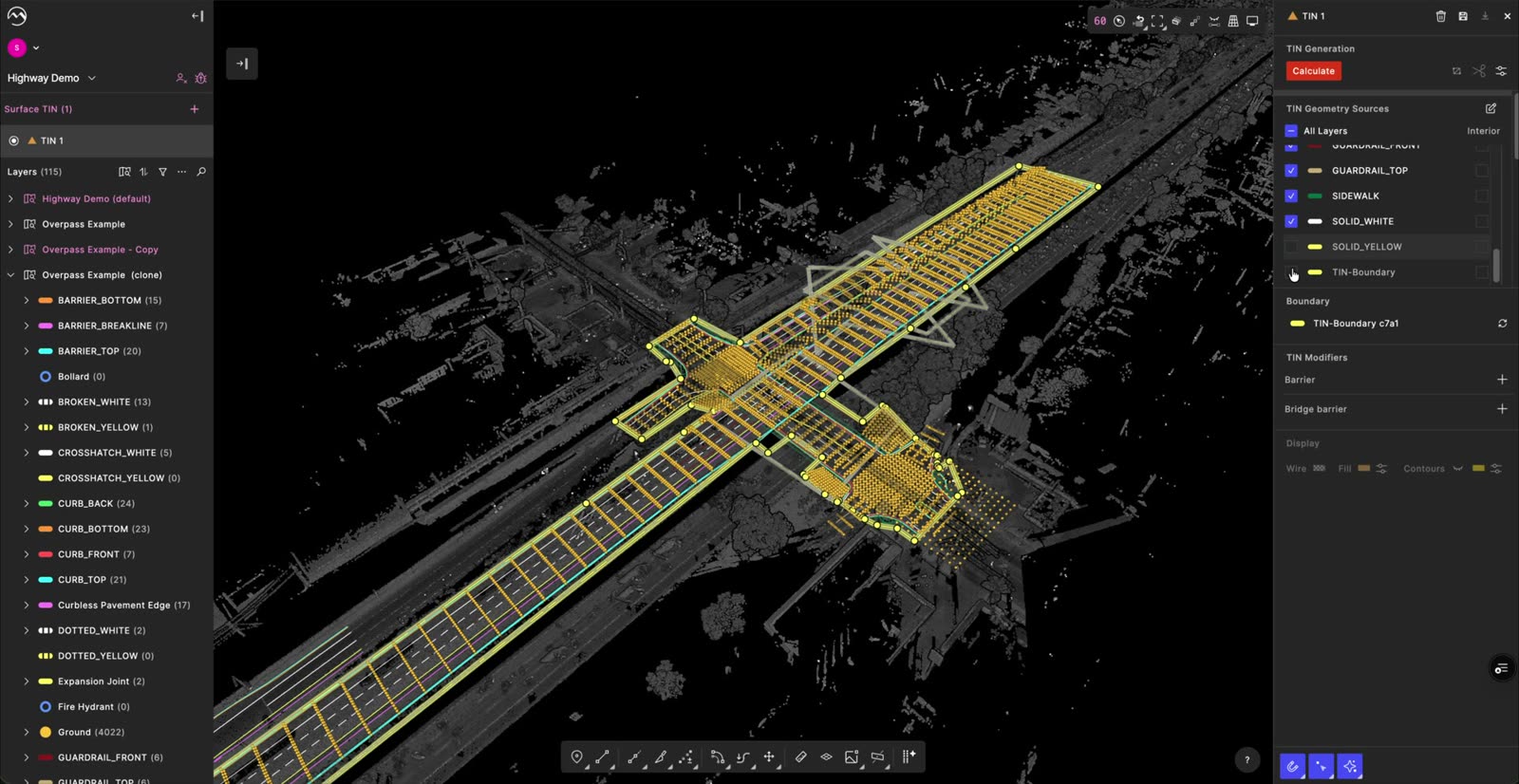
  4. Geometry sources checklist
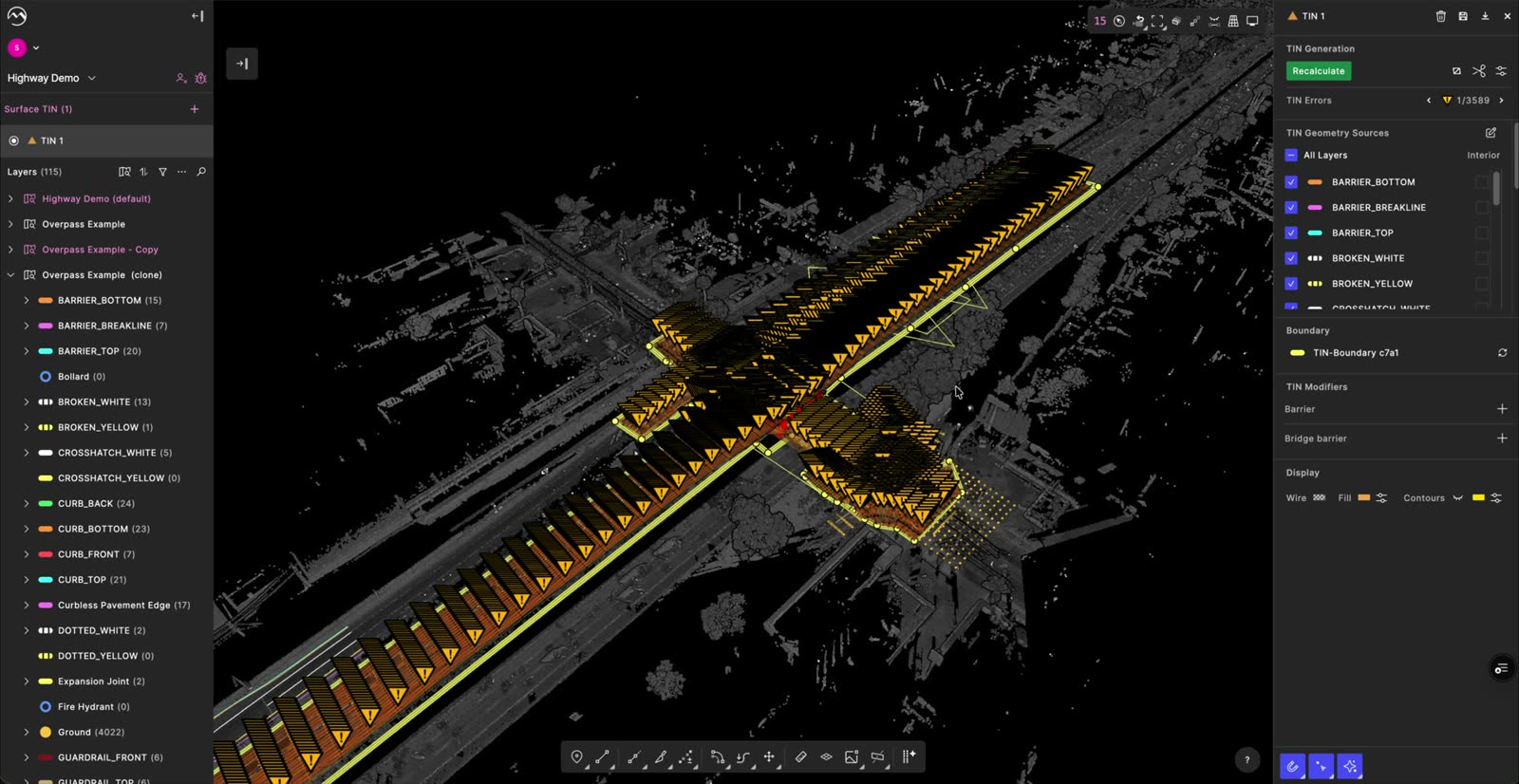
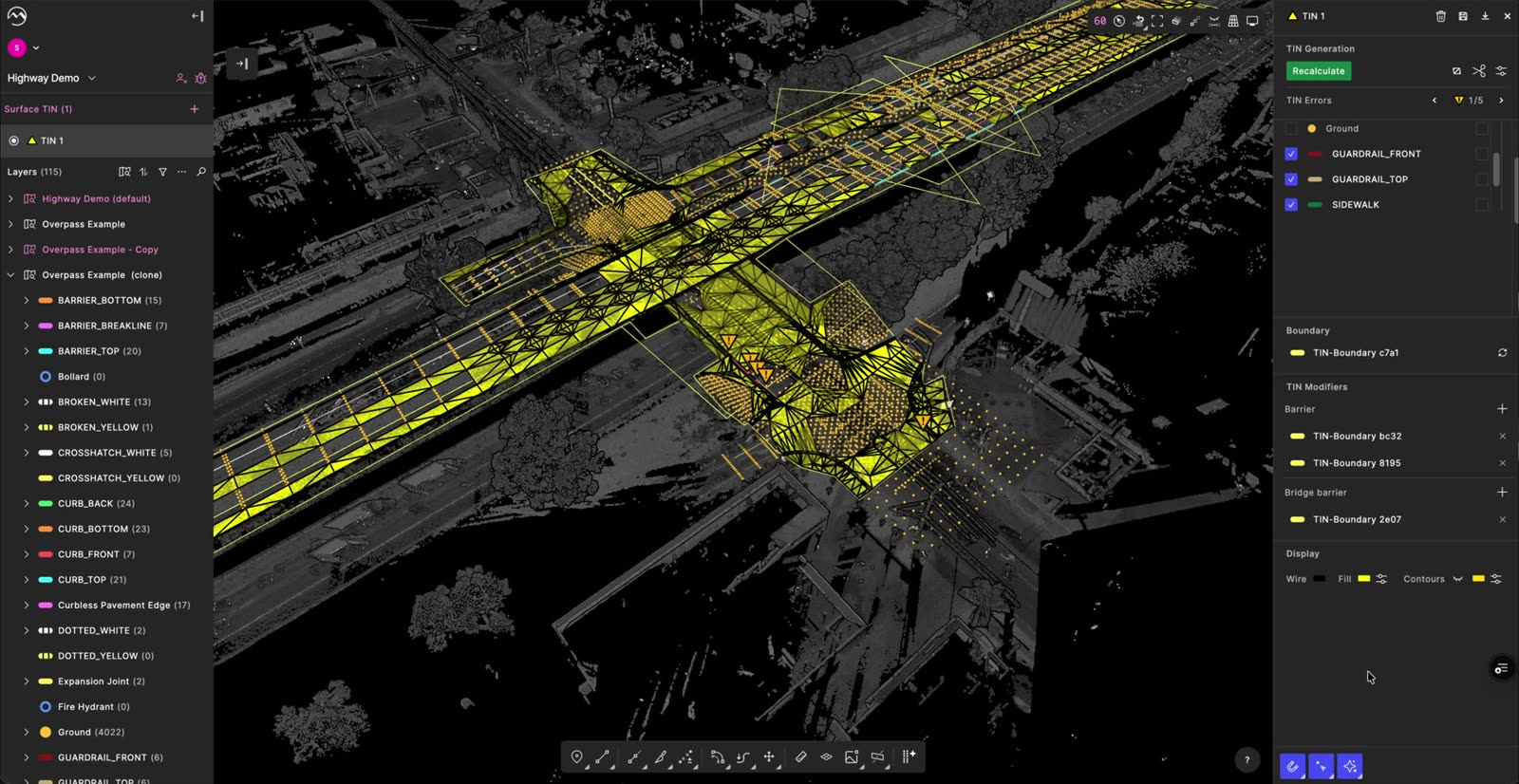
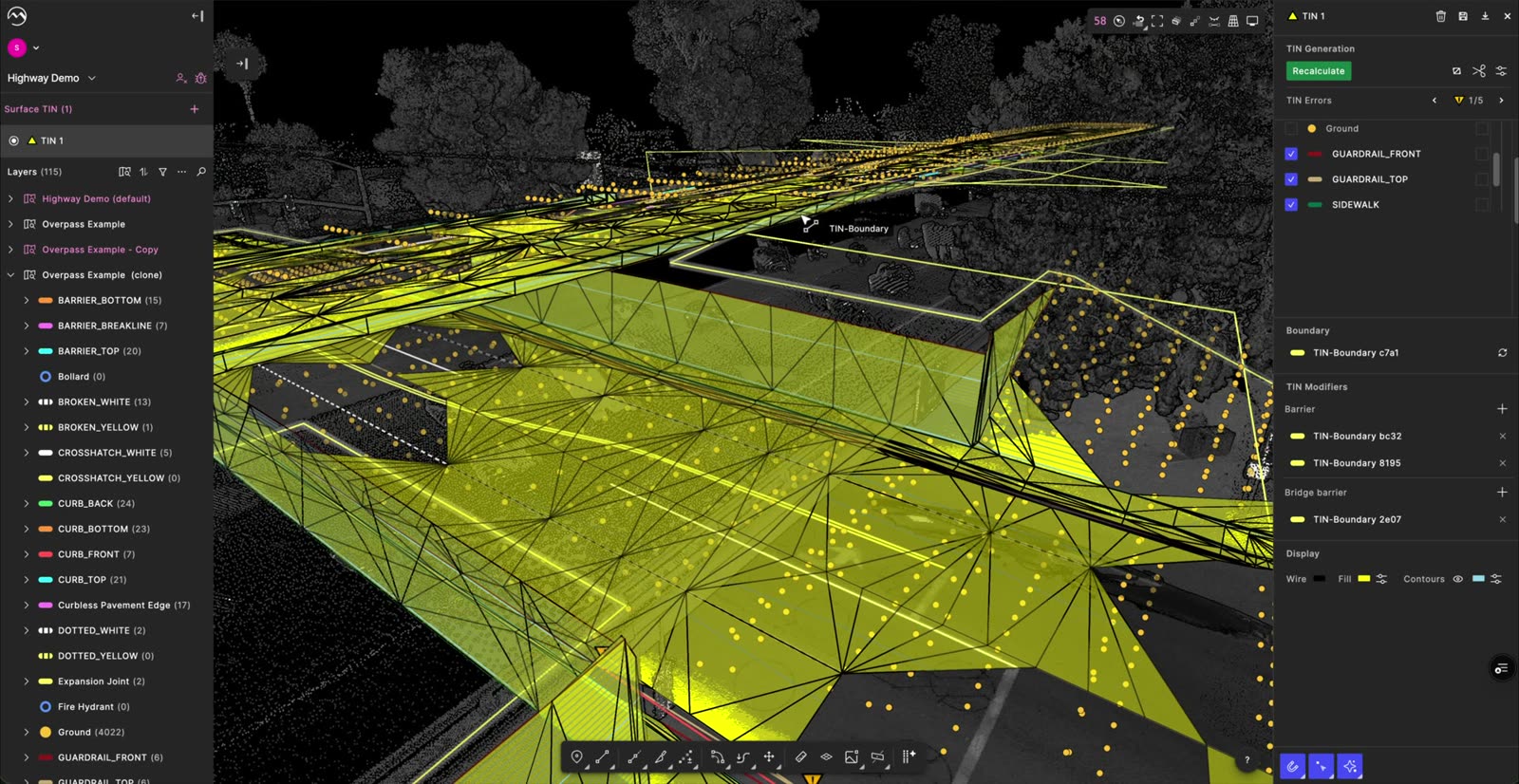
  5. Generated surface with 3,589 flagged errors
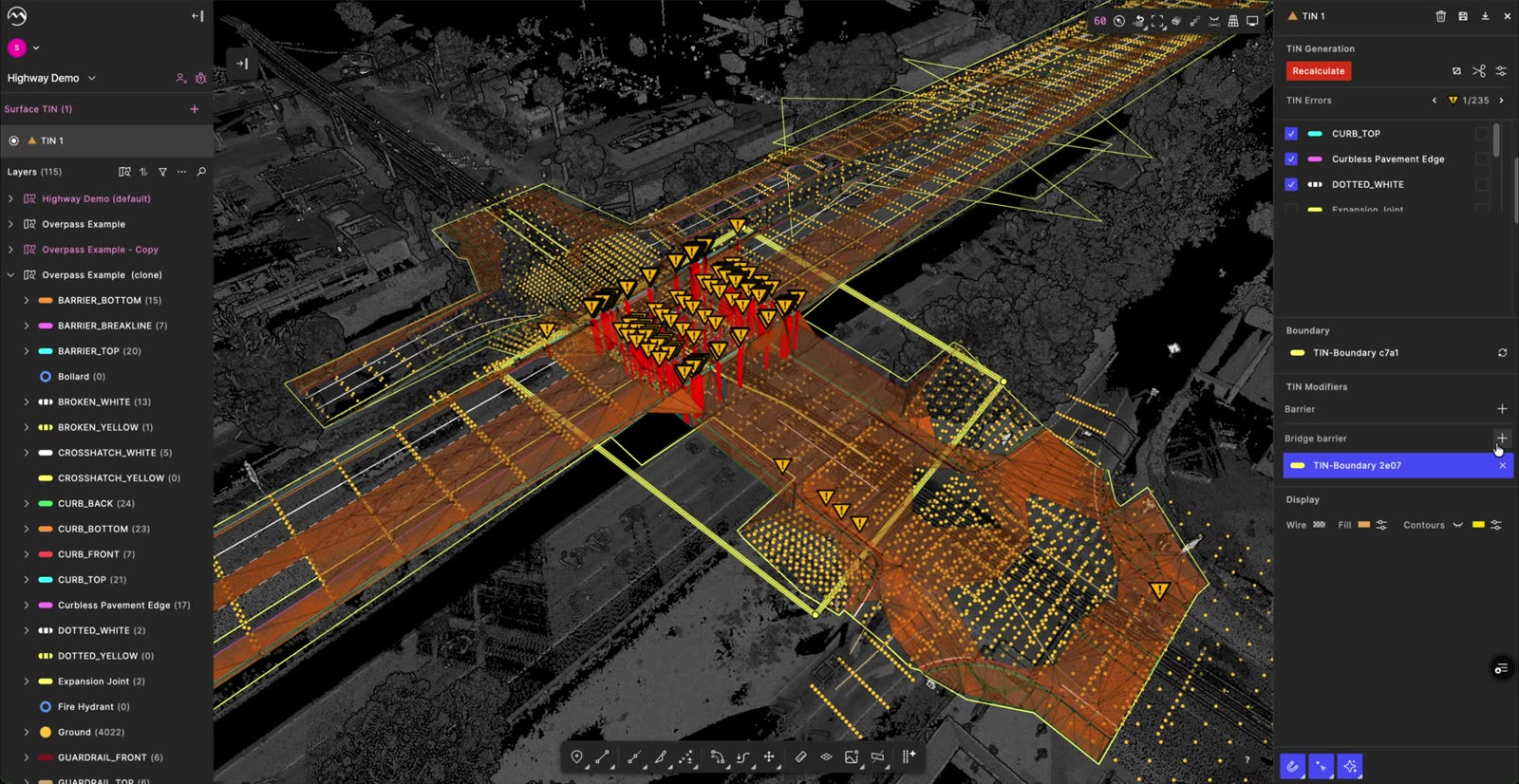
  6. Adding a bridge barrier in TIN modifiers
  7. Recalculated surface with 5 errors
  8. Final surface with display settings

01 / 08

PRODUCT AUDIT

  • The only entry point is buried in the left panel.
  • No warning when the boundary line is missing.
  • The right panel mixes sources, tools, commands and error fixes.
  • Misaligned UI that forces extra scrolling.
  • No way to step through errors or see what caused them.
  • Nothing tells users barriers fix errors, and “barrier” vs “bridge barrier” is unclear.
  • “Recalculate” is system language, not user language.
  • The controls don’t follow the app’s logic.

RESEARCH

CUSTOMERS

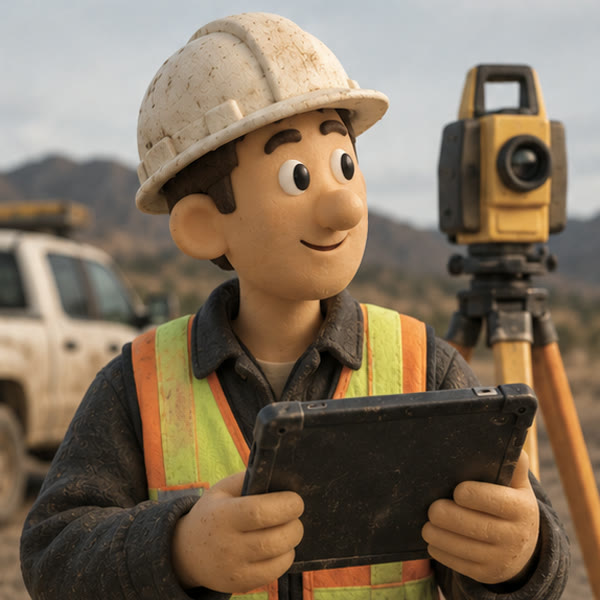
Clay portrait of a surveyor with a total station

“Normally, I just want to quickly multi-select the features to create TINs instead of having to select the layers.”

CUSTOMER SUCCESS

Clay portrait of a customer success lead with a headset

“Once the triangles are generated, the settings to generate the TIN are not persistent.”

ENGINEERING

Clay portrait of an engineer at a laptop

“I think generally finer degree of control of what goes in beyond layers is needed.”

HOW MIGHT WE

How might we redesign the TIN tool to feel like part of Digital Surveyor 2, so surveyors get it right the first time?

REDESIGN PRINCIPLES
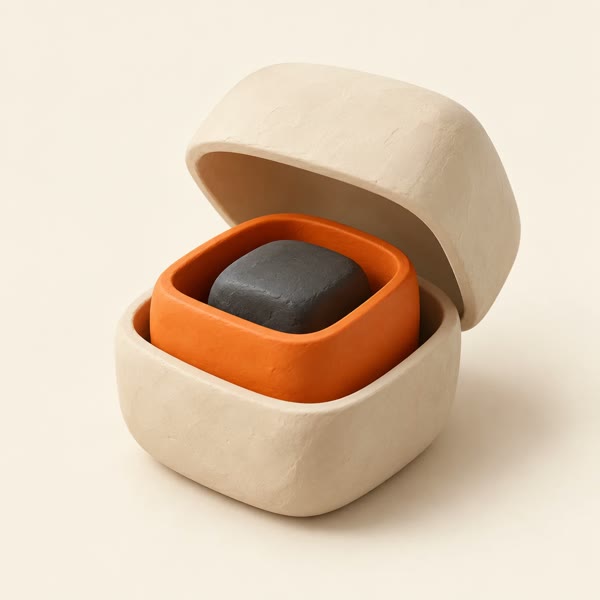
Clay boxes nested inside each other, the lid open

Progressive disclosure

Show the three steps first. Advanced settings wait until you need them.
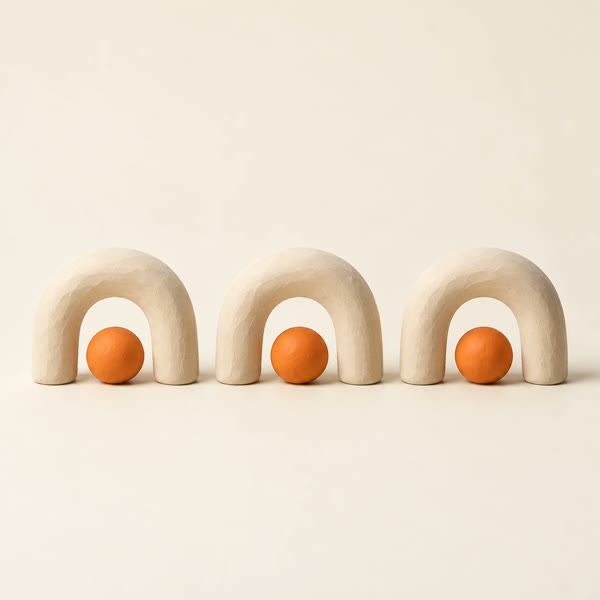
Three identical clay arches in a row

Consistent mental model

A TIN looks and behaves like everything else in Digital Surveyor 2.
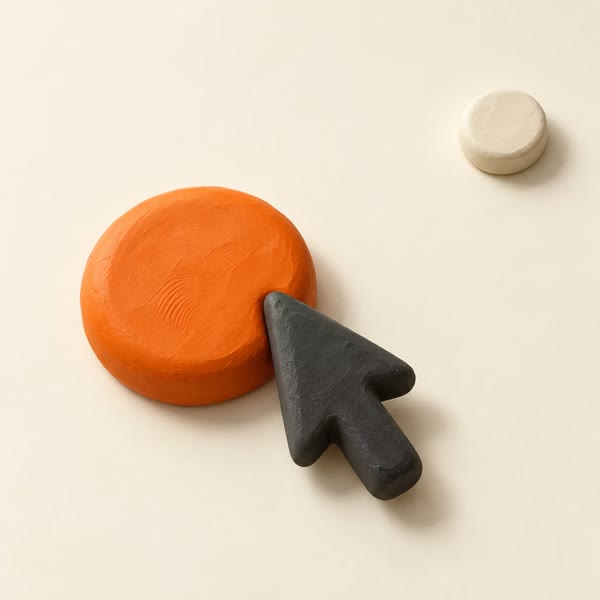
Clay cursor resting on a large target beside a small one

Fitts’s Law

Work primarily in the command bar, so the cursor and attention stay in one place.

PROCESS
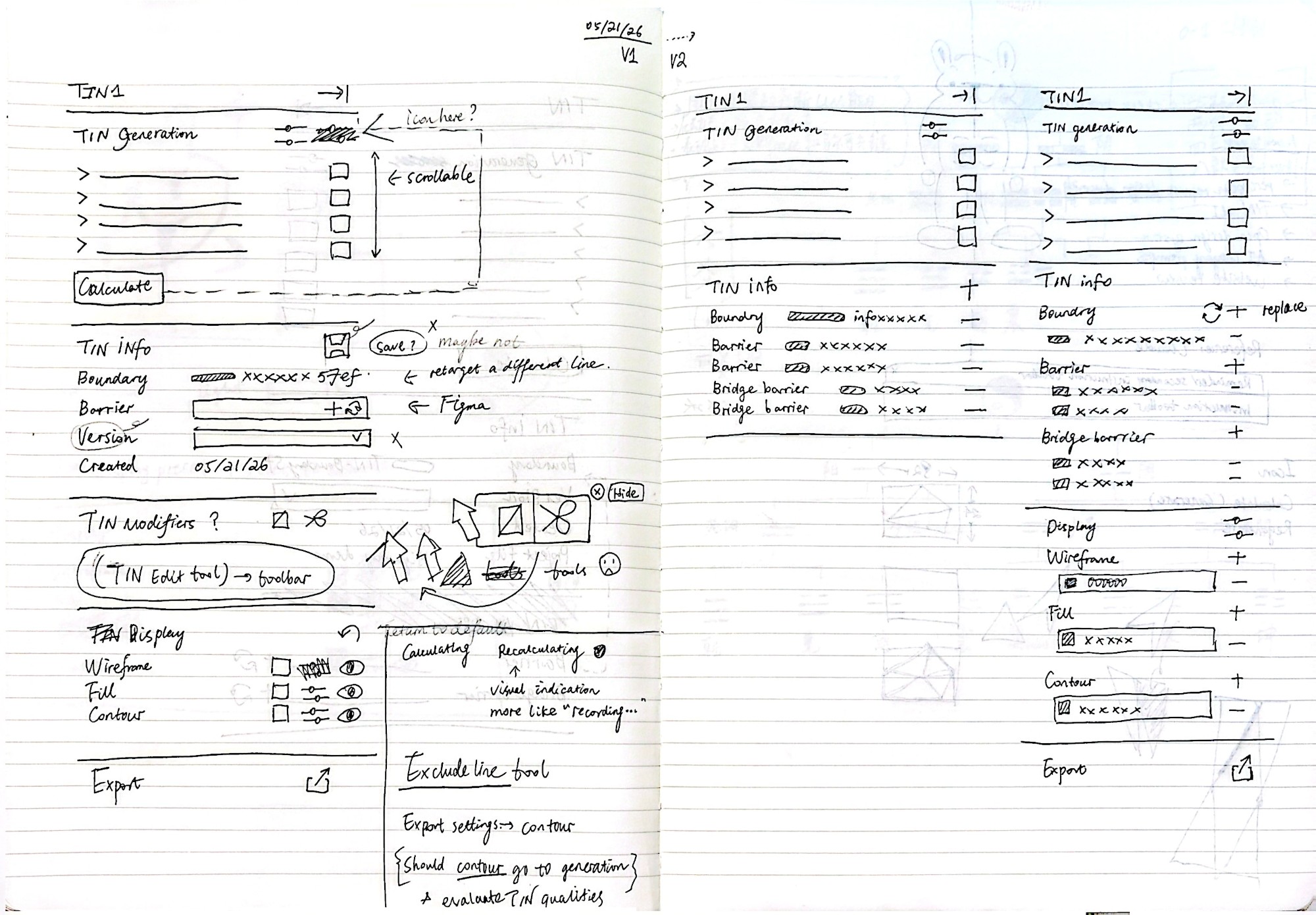
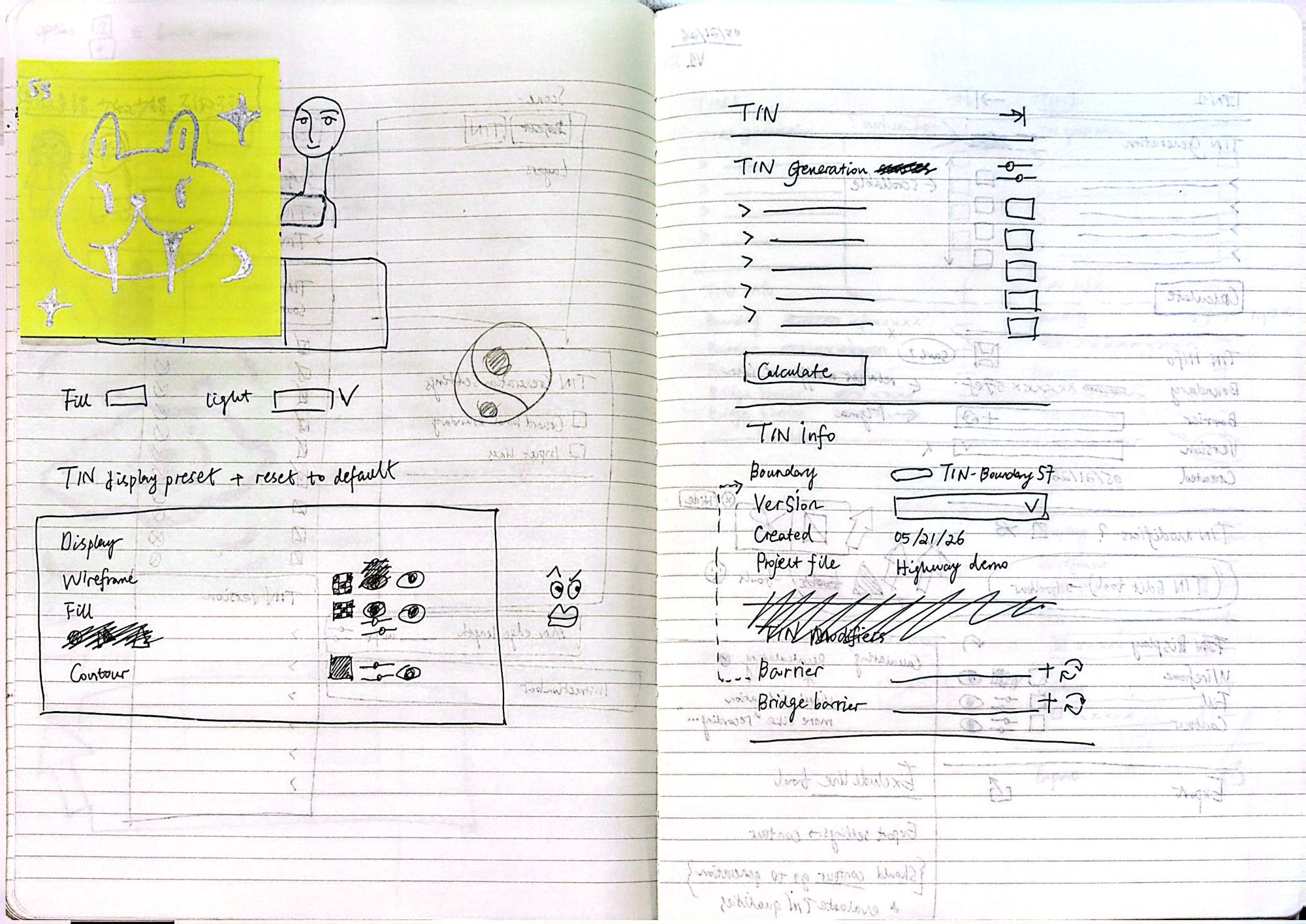
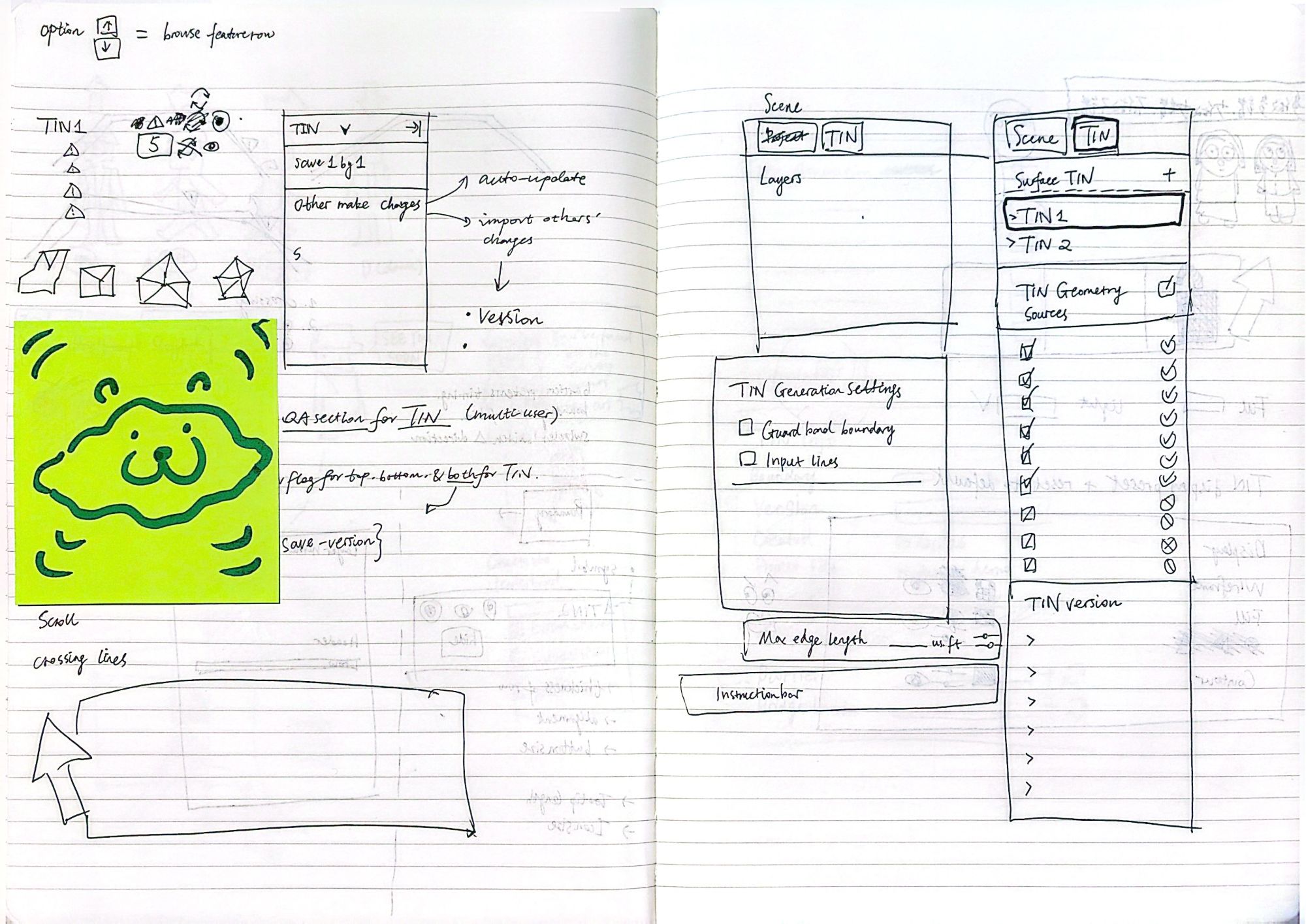
Redesign sketches

Sketch of TIN panel V1 and V2 layouts
Sketch of TIN generation, info and display preset panels
Sketch of TIN versioning and the Scene and TIN tabs
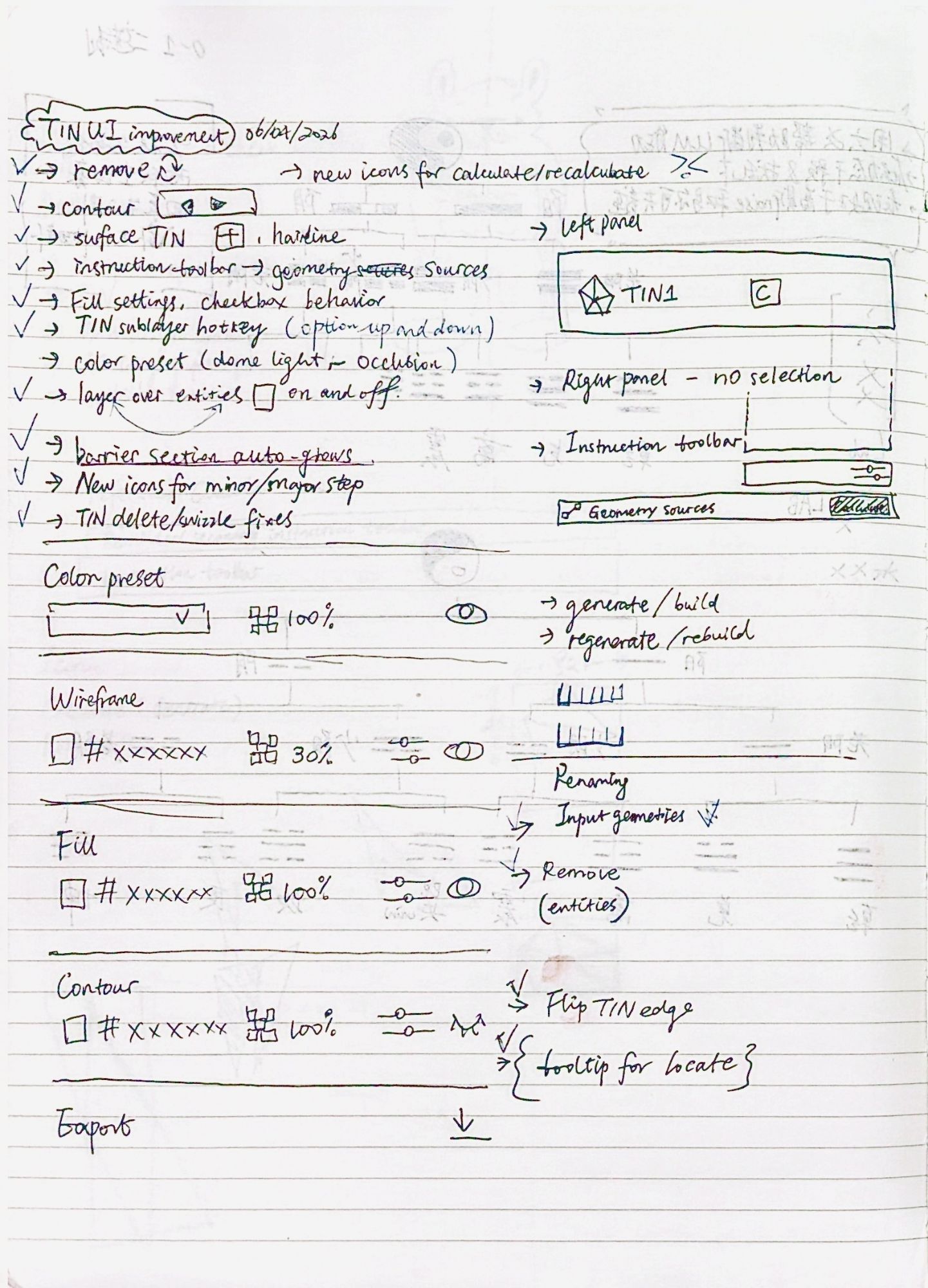
TIN UI improvement checklist and display settings sketch

KEY CHANGES

  • Command bar as the primary entry point
  • A dedicated TIN tab in the left panel
  • A right-panel inspector split into generation, info, display and export, for refining after the first pass

In-app prototype

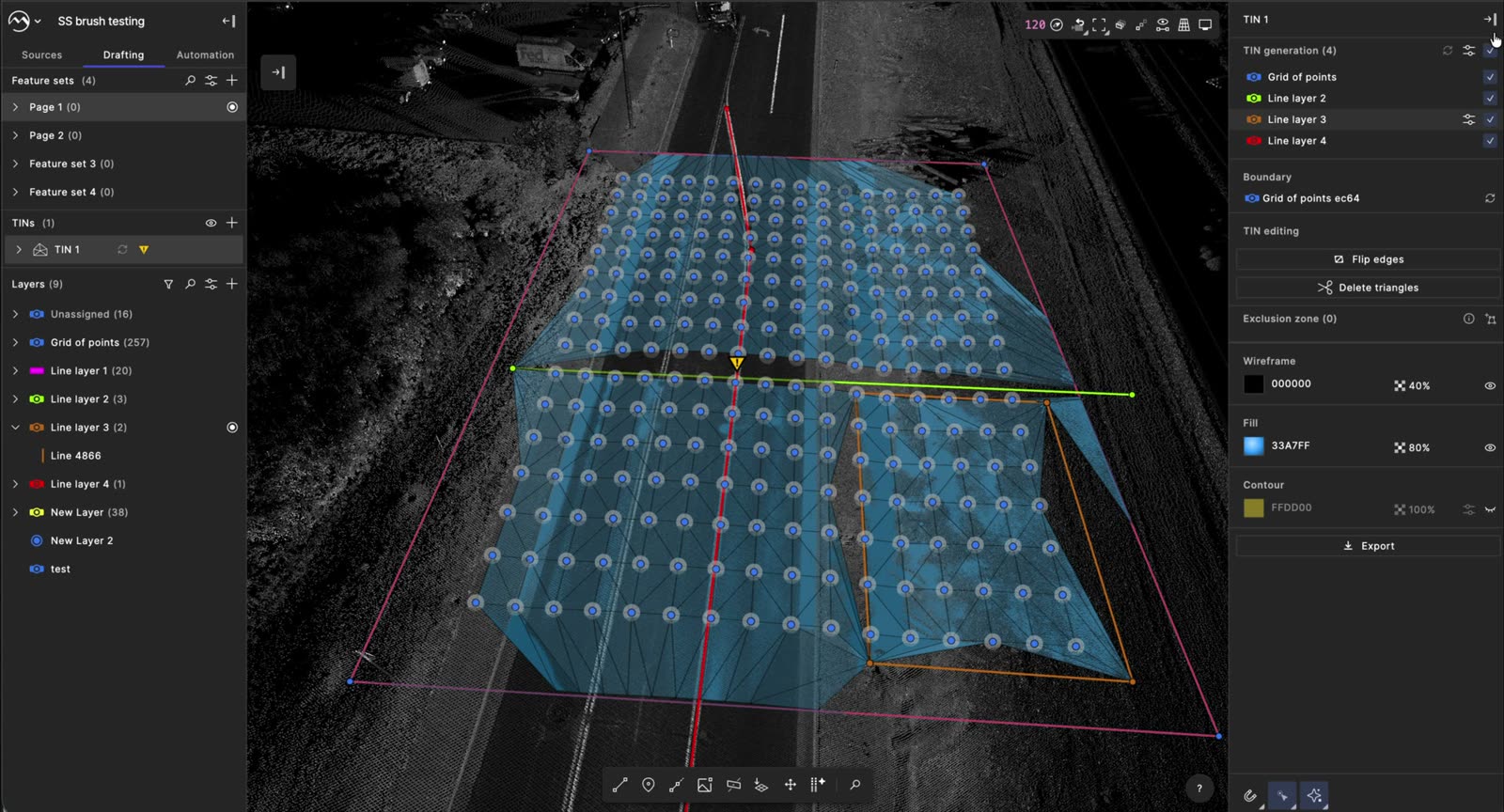
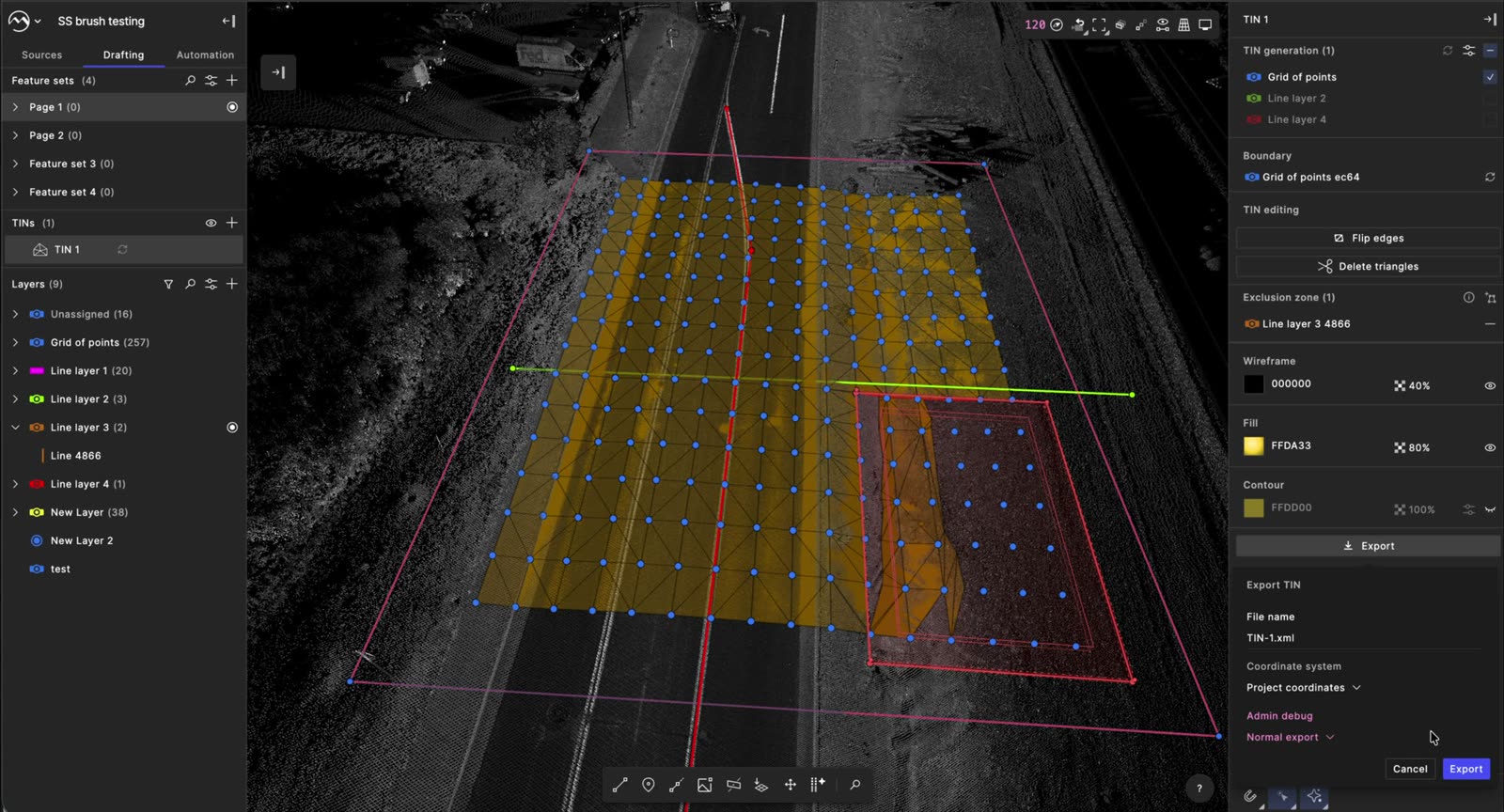
  1. TINs list and command bar, both able to add a TIN
  2. Command bar asking for a closed boundary line
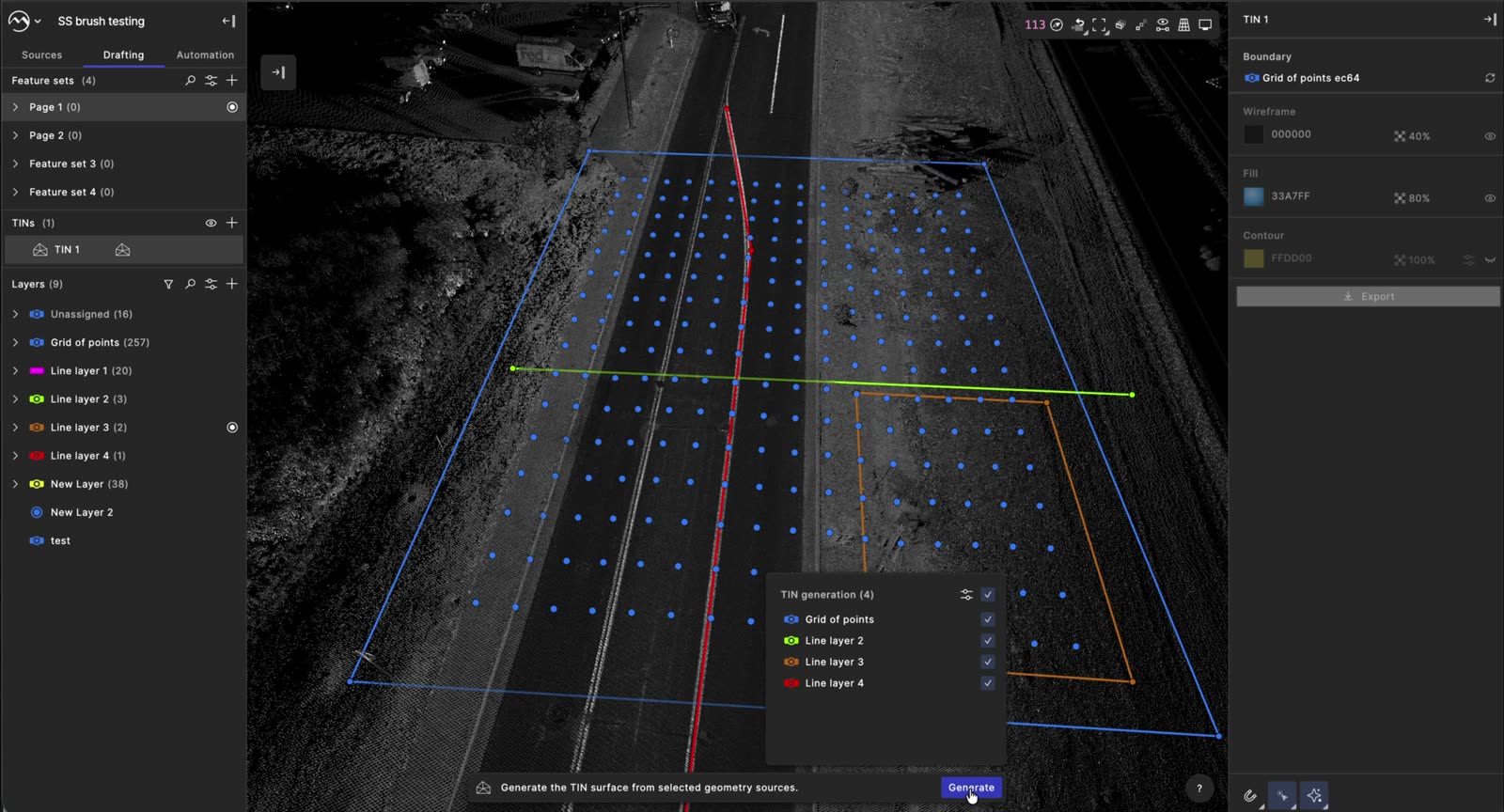
  3. Command bar with geometry sources and the Generate button
  4. Generated surface with the TIN panel
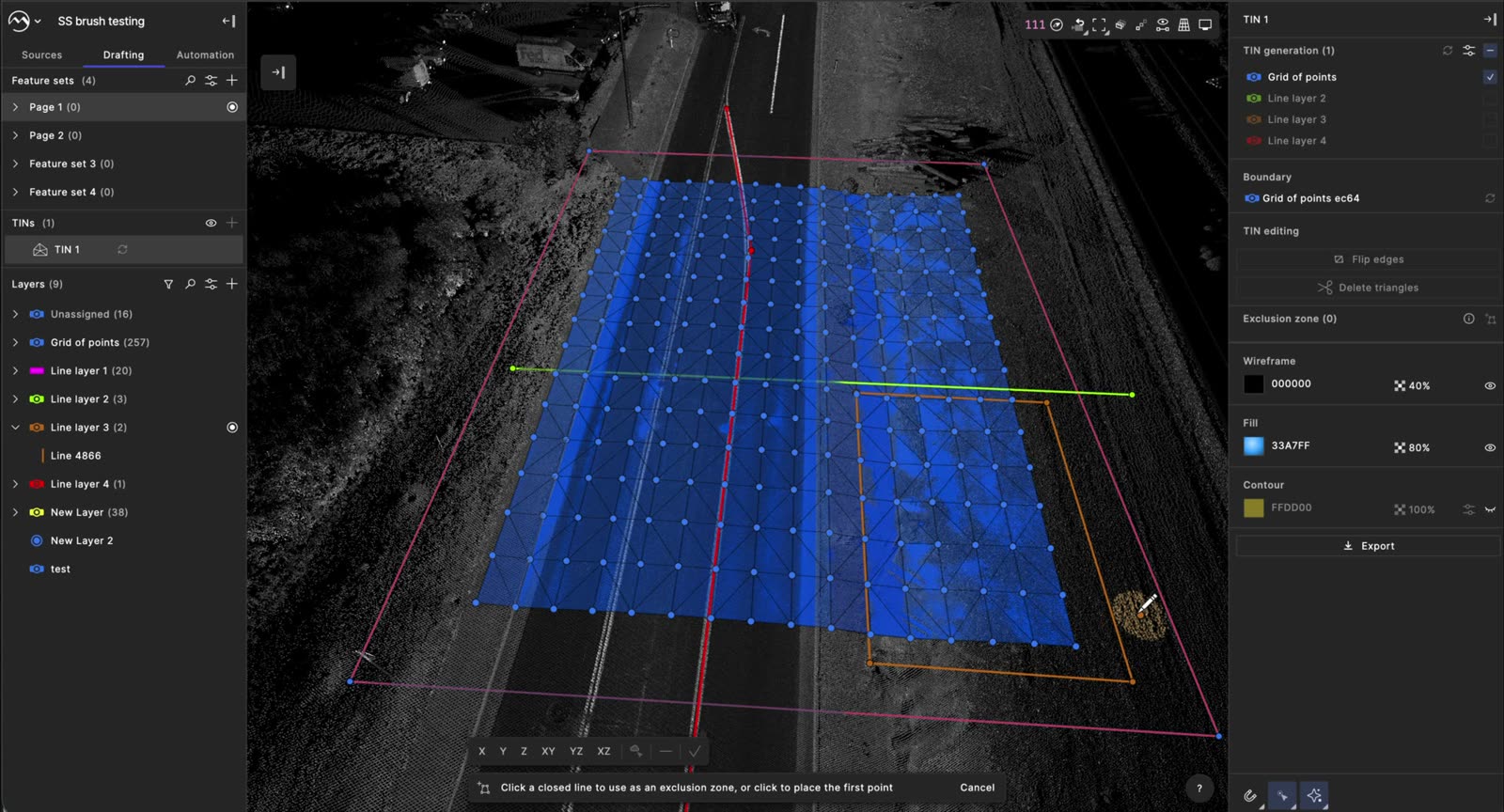
  5. Sources list and command bar asking for an exclusion zone
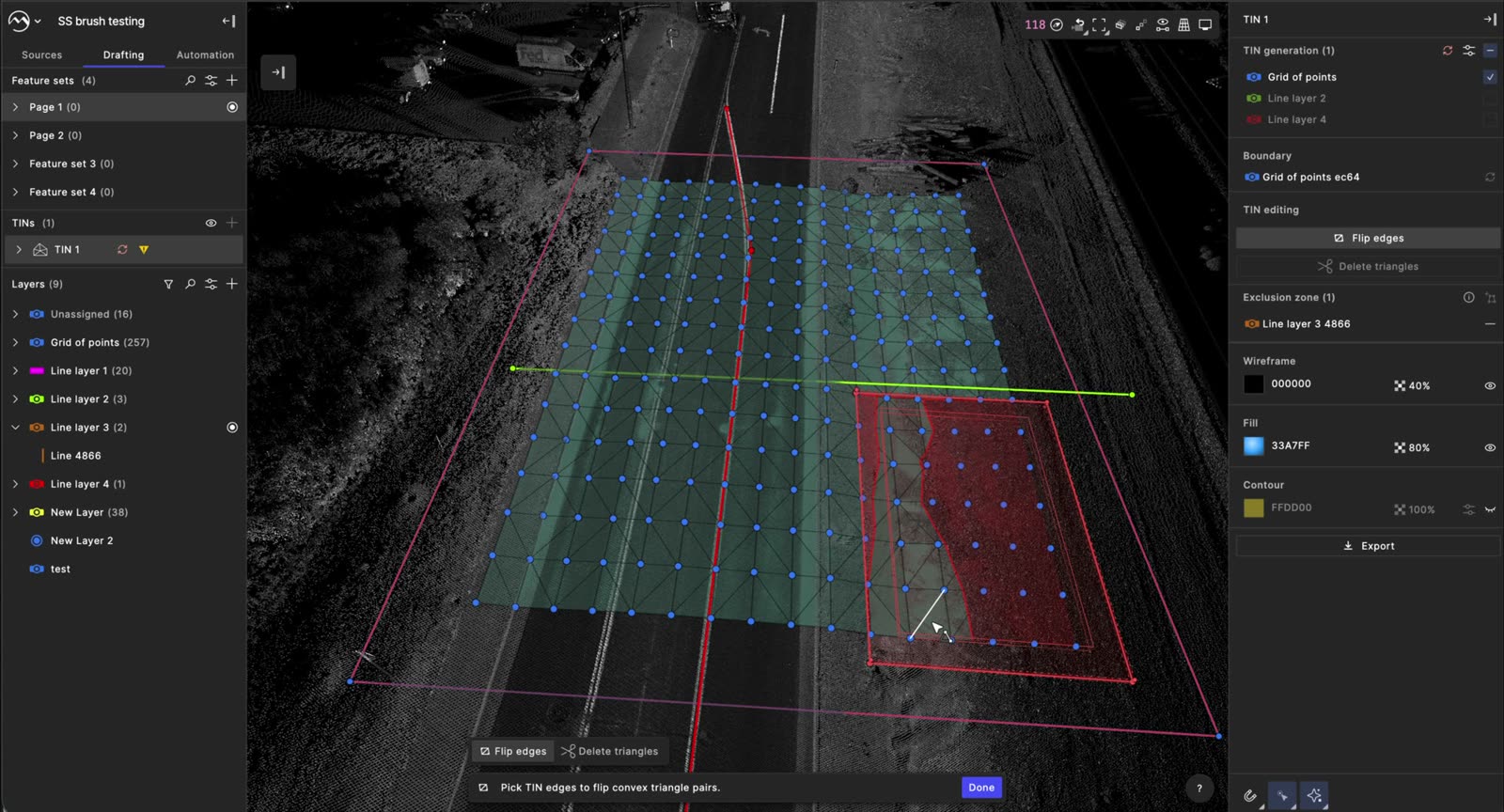
  6. Flip edges in the command bar and right panel, with TIN errors in the left panel
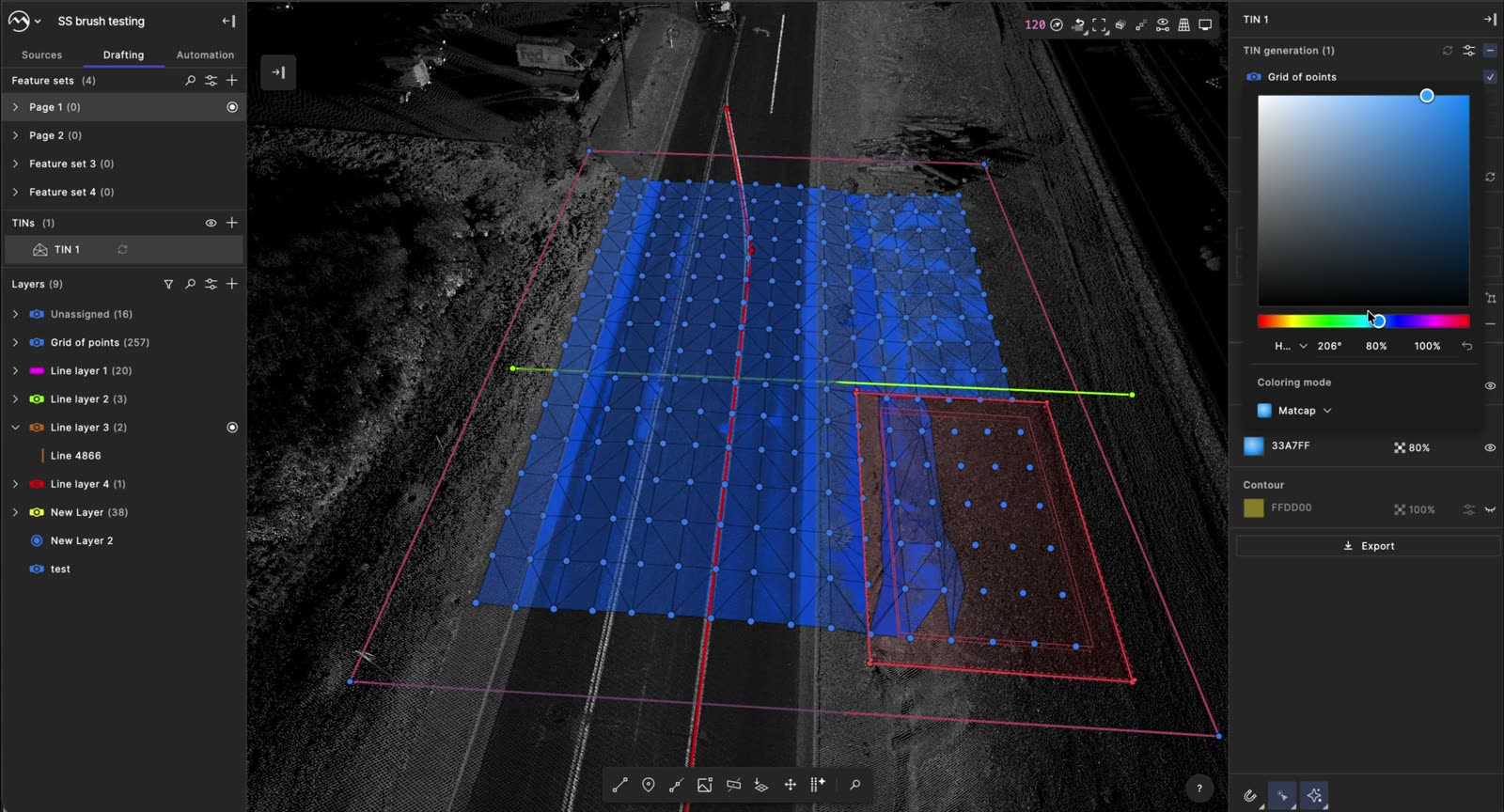
  7. Fill color picker in the TIN panel
  8. Export TIN panel with file name and coordinate system

01 / 08

VALIDATION

USABILITY TEST

First-time users missed the layer checkboxes. We raised their contrast, and I proposed a product tour.

ANALYTICS

BEFORELAUNCH ↑AFTER

LAUNCH

  1. JUL 31Launched
  2. AUG 4Announced publicly
  3. AUG 14Shipped and demoed
  4. AUG 27Tested on a live project
  5. SEP 2Customer training recorded

TAKEAWAYS

  1. 01Redesigning shipped tools means earning trust without breaking what already works.
  2. 02Technical accuracy and usability aren’t a trade-off when the workflow follows how surveyors already think.
  3. 03Designing alongside the engineers who built V1 turned critique into shared ownership.
NEXT CASE STUDY Automated Survey Request→
HOMEBACK TO TOP©SHAYNE SHEN 2019–2026 ALL RIGHTS RESERVED.